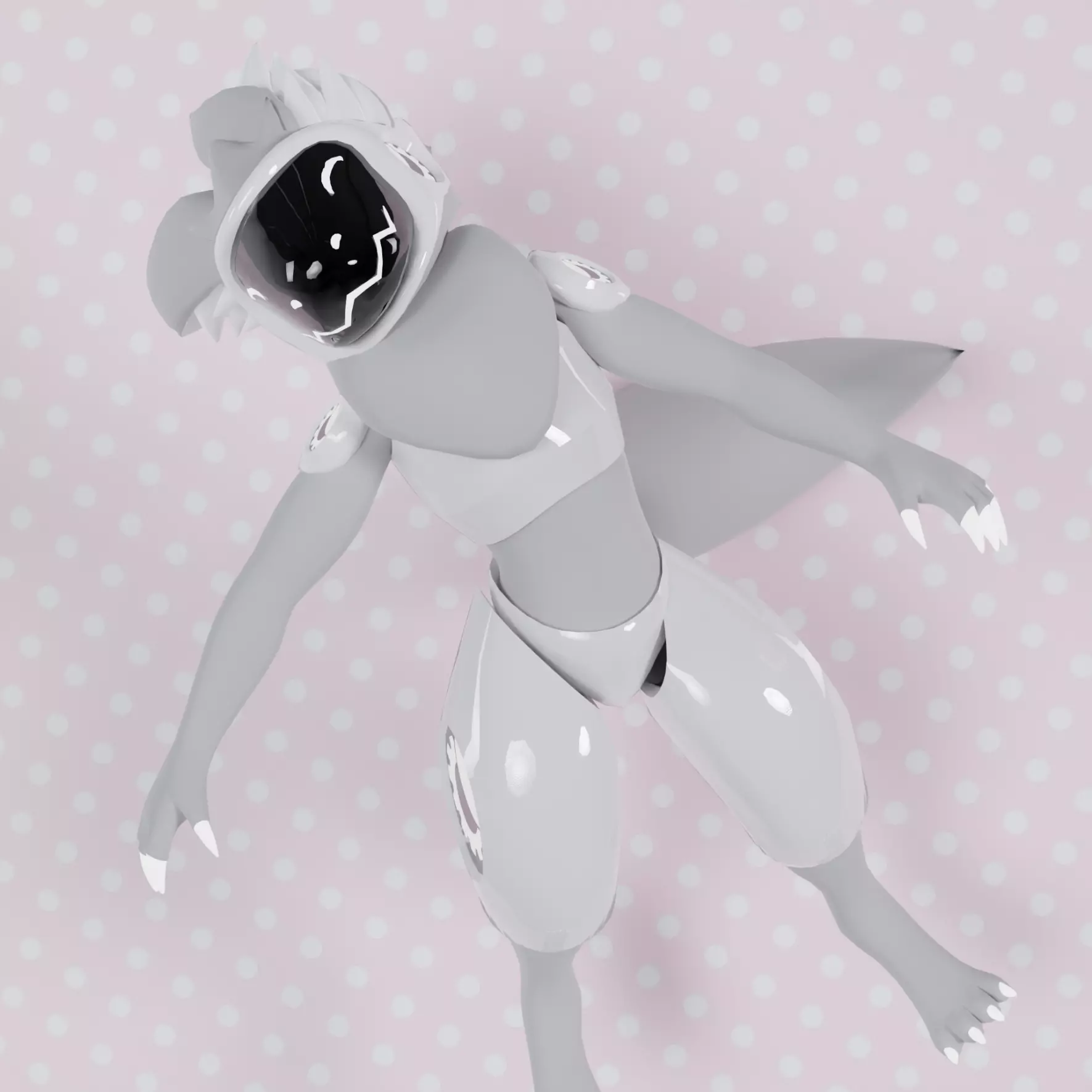
This is version Beta 1.0 of the Proot Due to it being Beta it may have numerous bugs and will be prone to change.
Created by Marlo
Rules!!!
-You may not resale this avatar
-You are allowed to do commissions for this
-You may not claim my work as your own
-I am not responsible for any misconduct done with the avatar
How to upload
- Create a unity file with the unity version that vrchat is currently using.
You can find the unity version here: https://docs.vrchat.com/docs/current-unity-version
Drag and drop the Proot unity package into your assets folder.
Drag and drop the VrChat SDK into your assets folder.
You can find that here: https://vrchat.com/home/download
If you own the dynamic bones package you can drag that in now.
Now drag and drop the Proot prefab from the prefab folder into your scene.
Open the VrChat control panel and put in your info.
You are now ready to hit upload and enjoy your avatar.
Quest Upload
- Create a unity file with the unity version that vrchat is currently using.
You can find the unity version here: https://docs.vrchat.com/docs/current-unity-version
You also need to make sure you have the Android SDK installed into your unity.
If you are unsure how to do that visit this site: https://docs.unity3d.com/Manual/android-sdksetup.html
Drag and drop the Proot unity package into your assets folder.
Drag and drop the VrChat SDK into your assets folder.
You can find that here: https://vrchat.com/home/download
Now drag and drop the Quest Proot prefab from the prefab folder into your scene.
Open the VrChat control panel and put in your info.
Once in the vrc panel click the button that says "switch target build to Android" and wait for this to finish
You are now ready to hit upload and enjoy your avatar.
If you have any questions or concerns please contact: Marlo#0044 on discord.
https://kemono.su/gumroad/user/4554636091511/post/iqbmj