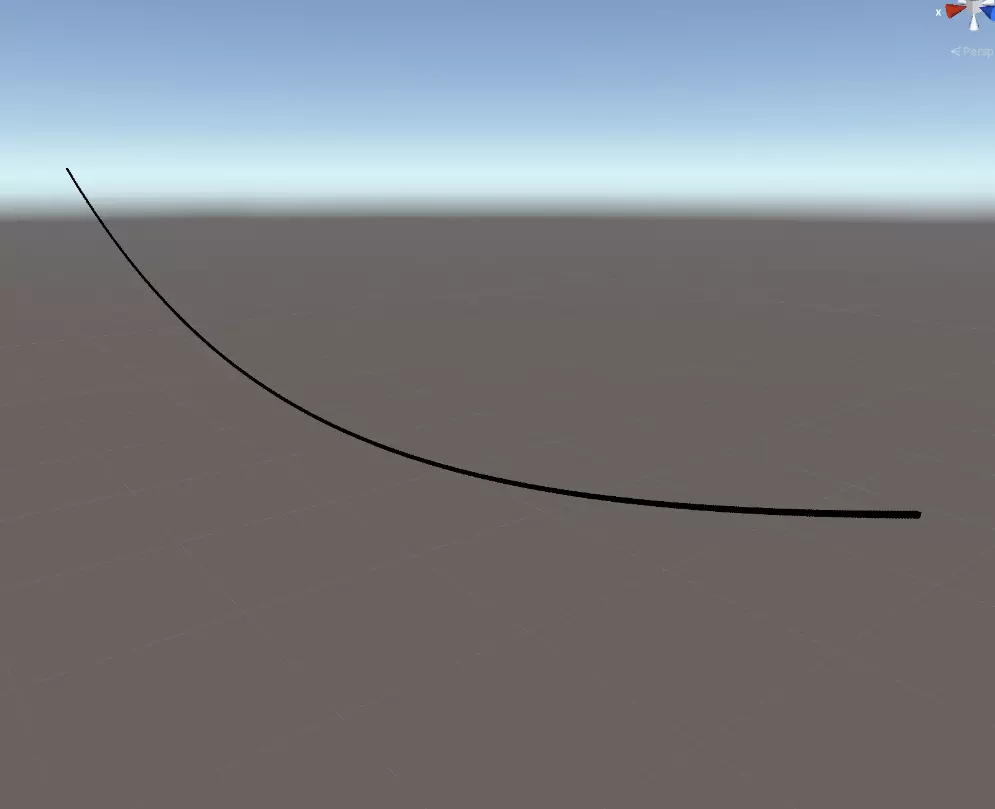
This accessory is slightly broken right now and I have no idea why - shows blank gaps
A special shader that draws a "lead" between two positions on 2 different avatars. It works by detecting the other shader and drawing a line between the 2 positions (like screenshot).
There is no README but I got it to work by doing:
- Create an object and give it a material with the
LeadBeaconshader - this is the person holding the lead - Create an object and give it a material with the
LeadChainMeshshader - this for the person at the other end of the lead - Add toggles as necessary
Eldeac
3 years ago
Here's how I got the lead to work: (Some info might be wrong because I don't entirely understand the shaders, but it should work fine)
1. Create one material for each shader. LeadChainMesh is the end of the chain and LeadBeacon is the root of it (Make sure LeadBeacon renders before LeadChainMesh by setting its Render Queue value to something lower than LeadChainMesh's)
2. Create two new objects with mesh renderer components on them (standard cubes or spheres will work)
3. For the object you want to be the end of the lead, set its material count to 2 and assign both materials to it. After that, assign the LeadBeacon material to the other object
4. Tinker around with the settings until you have your desired result
Settings that work for me:
Tess: 14
TargetId: 1.32
DomainId: 2.85
ChainLen: 0.2
MaxDis: 12
What each parameter does (based on my limited knowledge):
Tess: Tessellation, how many cubes will be spread along the lead's path (try to keep this low as tessellation is pretty expensive)
TargetId/DomainId: I'm not really sure how these relate, but they're used to connect the two points somehow
ChainLen: How much the lead sags
MaxDis: The max distance the lead can go without disconnecting
CanDebug: Shows a debug texture. I'm not sure what the actual texture means though
Color0: The color for all even cubes
Color1: The color for all odd cubes
Hopefully someone finds this helpful
1. Create one material for each shader. LeadChainMesh is the end of the chain and LeadBeacon is the root of it (Make sure LeadBeacon renders before LeadChainMesh by setting its Render Queue value to something lower than LeadChainMesh's)
2. Create two new objects with mesh renderer components on them (standard cubes or spheres will work)
3. For the object you want to be the end of the lead, set its material count to 2 and assign both materials to it. After that, assign the LeadBeacon material to the other object
4. Tinker around with the settings until you have your desired result
Settings that work for me:
Tess: 14
TargetId: 1.32
DomainId: 2.85
ChainLen: 0.2
MaxDis: 12
What each parameter does (based on my limited knowledge):
Tess: Tessellation, how many cubes will be spread along the lead's path (try to keep this low as tessellation is pretty expensive)
TargetId/DomainId: I'm not really sure how these relate, but they're used to connect the two points somehow
ChainLen: How much the lead sags
MaxDis: The max distance the lead can go without disconnecting
CanDebug: Shows a debug texture. I'm not sure what the actual texture means though
Color0: The color for all even cubes
Color1: The color for all odd cubes
Hopefully someone finds this helpful
Molded
5 years ago
created a whole account to say this,
i followed the above instructions and later the ones the original author made and i couldn't get the shader to work,
any help would be appreciated.
i followed the above instructions and later the ones the original author made and i couldn't get the shader to work,
any help would be appreciated.
No reviews found