Disclaimer: Avatar shown in the asset images is NOT included in the purchase and isn't for sale. However, I will leave the avatar ID below if you want to check it out!
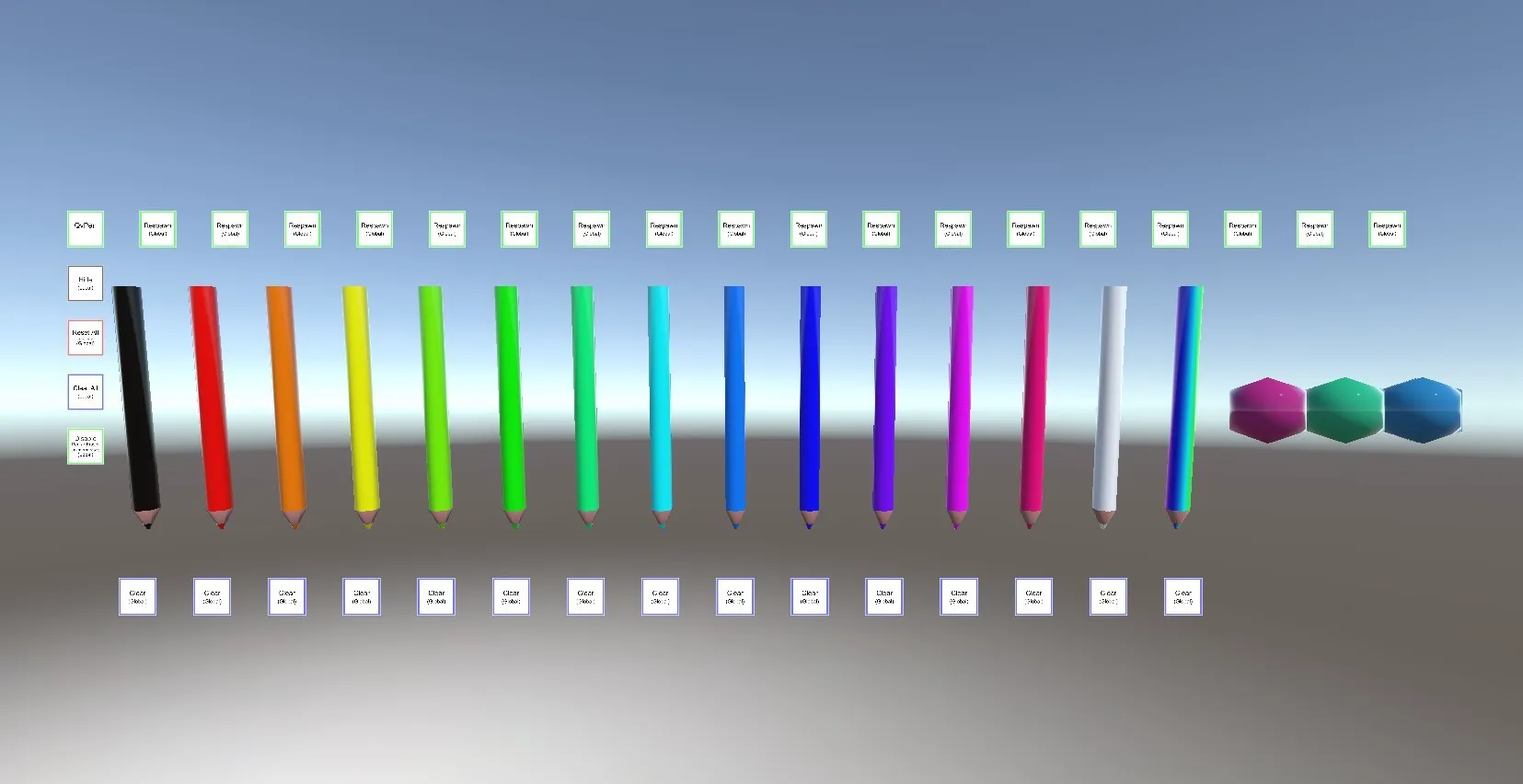
VRChatのワールド用のトレイルペンセットです。
■vpmでのインストールはこちらから
https://vpm.ureishi.net/install
■更新履歴(v3.3.1~)
https://github.com/ureishi/QvPen/wiki/Changelog
■テストワールド
https://vrchat.com/home/launch?worldId=wrld_dbd594b5-3f7b-43f0-8c7e-e78ea991513a
This is a trail pen set for VRChat worlds. ■Install via vpm here: https://vpm.ureishi.net/install ■Update history (v3.3.1~): https://github.com/ureishi/QvPen/wiki/Changelog ■Test world: https://vrchat.com/home/launch?worldId=wrld_dbd594b5-3f7b-43f0-8c7e-e78ea991513a
v3.3.xの更新内容 ●クリアボタンの挙動を変更しました
- 短く押すと1筆ごとに消えます
- 0.5秒長押しするとそのペンで自分が書いた線をまとめて削除します
- 2秒長押しするとそのペンで書かれた線が消えます
●
VRCSDK 3.7.1以降が必要になりました(更新v3.3.5)VRCSDK 3.5.0以降に変更しました ●デスクトップモードのショートカットを追加しました。 ・Backspaceで1筆ずつ削除します。 ・Tab + Qでペンを手元に呼び出します。 (ワールド制作者が無効にできる設定があります) ・Tab + Homeでペンを元の位置に戻します。 ●ペン先の消しゴムでワールドのギミックをInteractできるようにしました。 例えばデスクトップモードで、ペンを持ったまま扉をInteractできるようになります。
Update details for v3.3.x ● Changed the behavior of the clear button - A short press erases one stroke at a time - A long press of 0.5 seconds erases all lines drawn with that pen - A long press of 2 seconds erases all lines drawn with that pen ● VRCSDK 3.7.1 or later is now required (Updated v3.3.5) Changed to VRCSDK 3.5.0 or later ● Added shortcuts for desktop mode. ・Backspace deletes one stroke at a time. ・Tab + Q brings the pen back to your hand. (There is a setting that the world creator can disable this) ・Tab + Home returns the pen to its original position. ● You can now interact with world gimmicks using the eraser on the pen tip. For example, in desktop mode, you can now interact with doors while holding the pen.