Create toggles for VRChat Avatars the easier way
Creating toggles for avatars in VRChat was always pain. Add an expression parameter, append that to the animator controller, create animations and states, etc.
I decided to simplify and automate that process, because all input is error. That extension for Unity lets you create toggles by only using a single UI. The other stuff is automated.
Note: This unofficial Unity extension is not associated with VRChat. It's purpose is to simplify the process of creating toggles.
What it does
Adds a new parameter to the expression parameters of the selected avatar.
Adds that parameter to the animations controller (aka. fx controller).
Creates two animations (on/off) that enable and disable the selected object at your avatar.
Generates an animation layer with all needed states and tranisitions.
Adds a toggle to the expression menu.
Also: Lets you easily create submenus.
How to use it
Make sure you are using
Unity 2019.4.31
VRCSDK3
Avatar 3.0
With those requirements, simply import the unitypackage into your project.
The extension adds menu entries to the GameObject menu and Tools menu on top. The GameObject context menu is also accessible on objects in a scene.
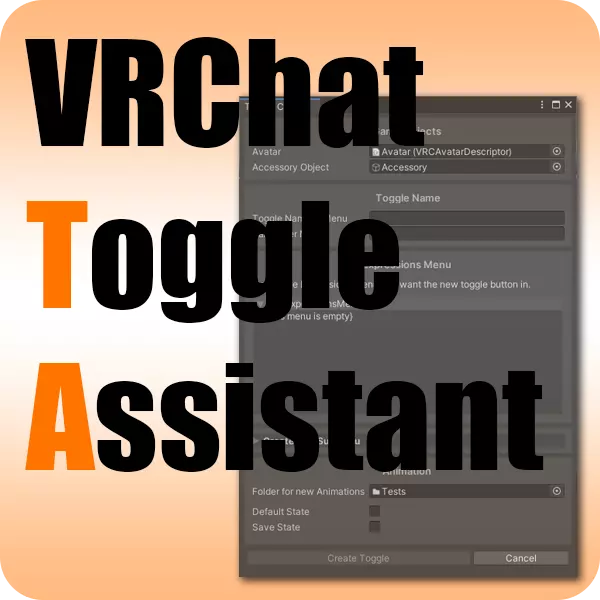
Toggle Creator
Avatar: Your avatar.
Accessory Object: The object on your avatar you want to create a toggle for.
Toggle Name in Menu: The name of the toggle button that will be displayed in your expression menu.
Parameter Name: Chose an internal name of the expression parameter. (default: Same as Toggle Name)
Expressions Menu: Select the part of the Expressions Menu you want the toggle button in. (You can also create a new submenu for better organisation by expanding the "Create new Submenu" section below.)
Folder for new Animations: Select a folder from your Assets library (drag'n'drop also works). The two toggle animations will be saved in that folder.
Default State: Whether the toggable object will be shown or hidden when you load your avatar.
Save State: The state of the toggle will be saved, even when reloading your avatar.
Toggle Remover
Avatar: Select the avatar you want to remove a toggle from.
Parameter to remove: Select the (bool) parameter you want to remove.
The next part is just information about elemets found that are linked to that parameter (animations, animator states, menu entry, etc.)
Current limitations
Creates only bool toggles (no blendtree support)
Adds animations for only one object
Future plans
Currently I consider that piece of software as early version and not feature complete. Here are some improvements I want to make and features I want to add:
Improving input validation
Easier folder selector for animations
Also add other objects, blendshapes, etc. to animations
Generate blendtrees
Manage all expression parameters and their animator states
Organize expression menus


| Overall Rating | Ratings | ||
|---|---|---|---|
| #a271 | Created by HoneybeeSorceress 4 years ago | Overall Rating | Ratings Customizability Ease Of Use Appearance Performance |
| #5918 | Created by Nightslayer 4 years ago | Overall Rating | Ratings Ease Of Use Customizability Appearance Performance |
| #6883 | Created by 3 years ago | Overall Rating | Ratings Ease Of Use Customizability Appearance Performance |