This asset is a draft. It is only visible to the uploader and must be published (click the Edit Asset button) before it can be approved and seen by other people.
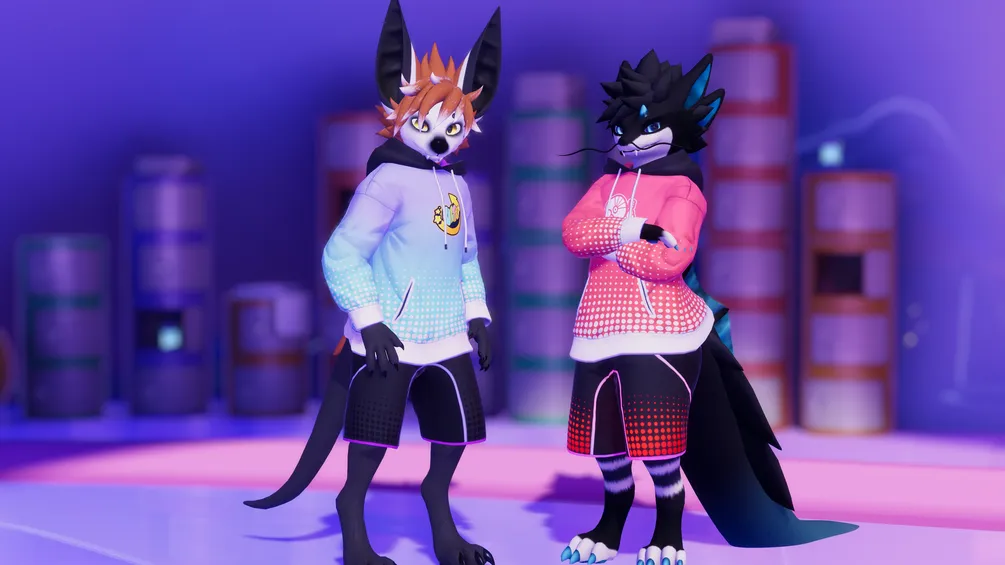
Matching shorts available here!
Prerequisites
Compatible with any hoodie from https://morghus.gumroad.com/. Download the hoodie for your particular avatar base first and install it.
Install Poiyomi 9.3.64 or higher: https://www.poiyomi.com/
Features
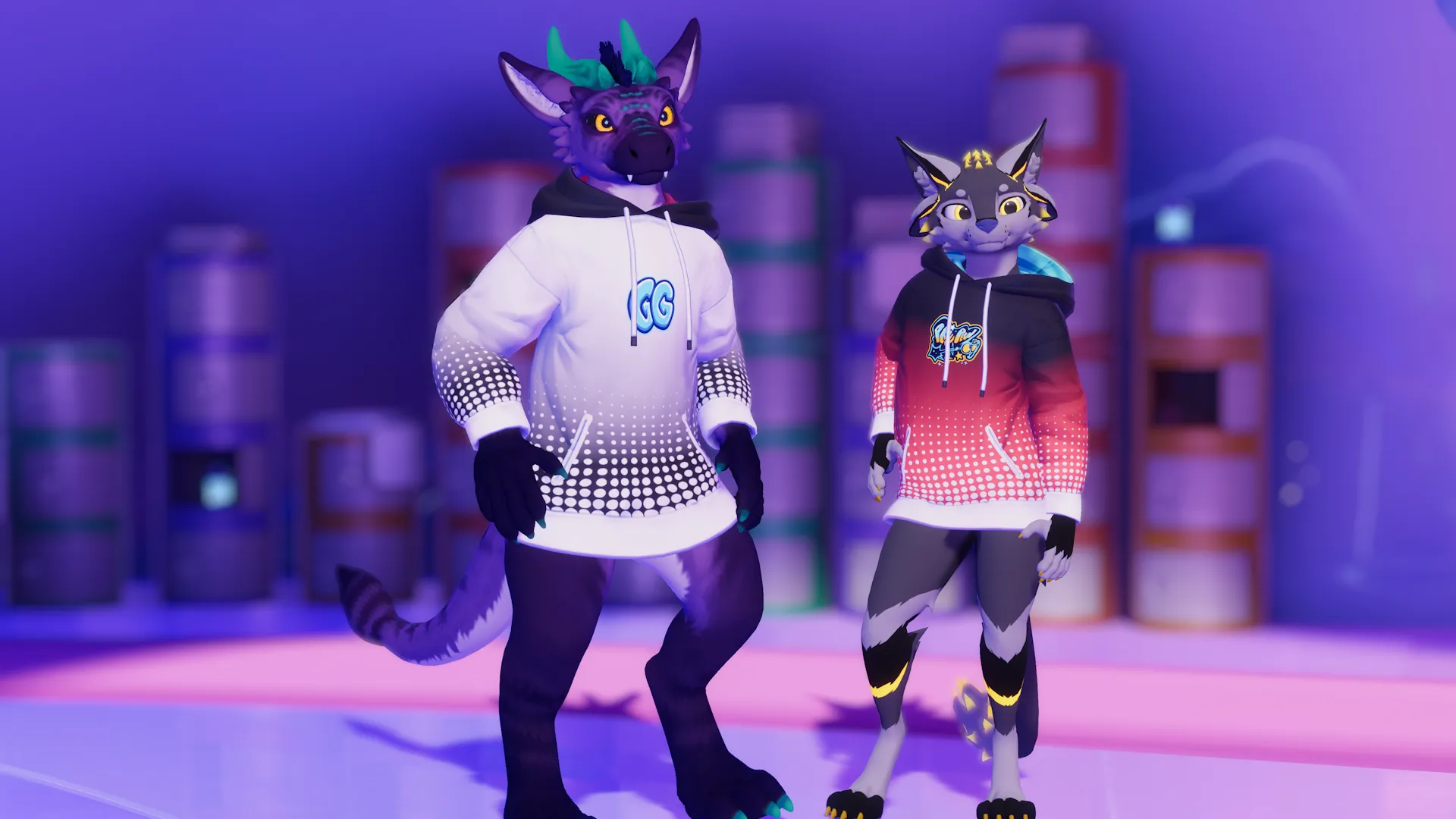
- Fully color customizable in-game. Three color regions and customizable emissions.
- Select any of the Furality Ultra sprays as a chest decal.
- AudioLink strength slider.
- Emission strength slider.
- Randomize button. Colors will randomize once automatically when first switching to the design.
Installation
- Drag the "Furality Ultra" prefab onto the "Hoodie" object in your avatar.
If the hoodie has a "Designs" child object, drag it in there, but it's optional. - You're done. The "Furality Ultra" option should show up in the expression menu now.
It's under "Hoodie/Designs/Furality Ultra".
Troubleshooting
-
VRCFury says I'm out of parameters!
Update VRCFury to the latest version. Latest versions do a better job at compressing parameters.
-
Randomize colors does not work!
Unfortunately a known bug. Switch out of the avatar and into it again.
License
Do:
- Add it to your avatar
- Adjust it to fit any other avatar
- Use it for VTubing
- Customize it however you want
- Use it for commissioned work
Don't:
- Pass it off as your own work
- Resell it as-is
Credits
Decals are based on the Furality Ultra Creator Kit.
Click to expand description
No comments found
No reviews found