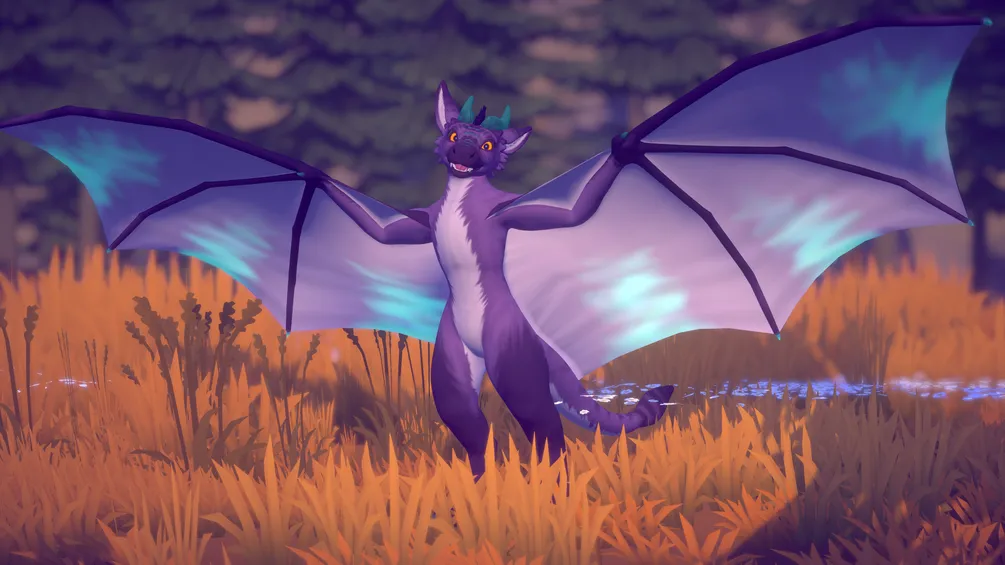
IMPORTANT: This is a modification of the Moonfang Avatar Base. You need to own the Moonfang Base to use this product. You can buy the Moonfang here: https://scritt.gumroad.com/l/Moonfang
You need to verify your purchase on Discord before you can download the Unity Package.
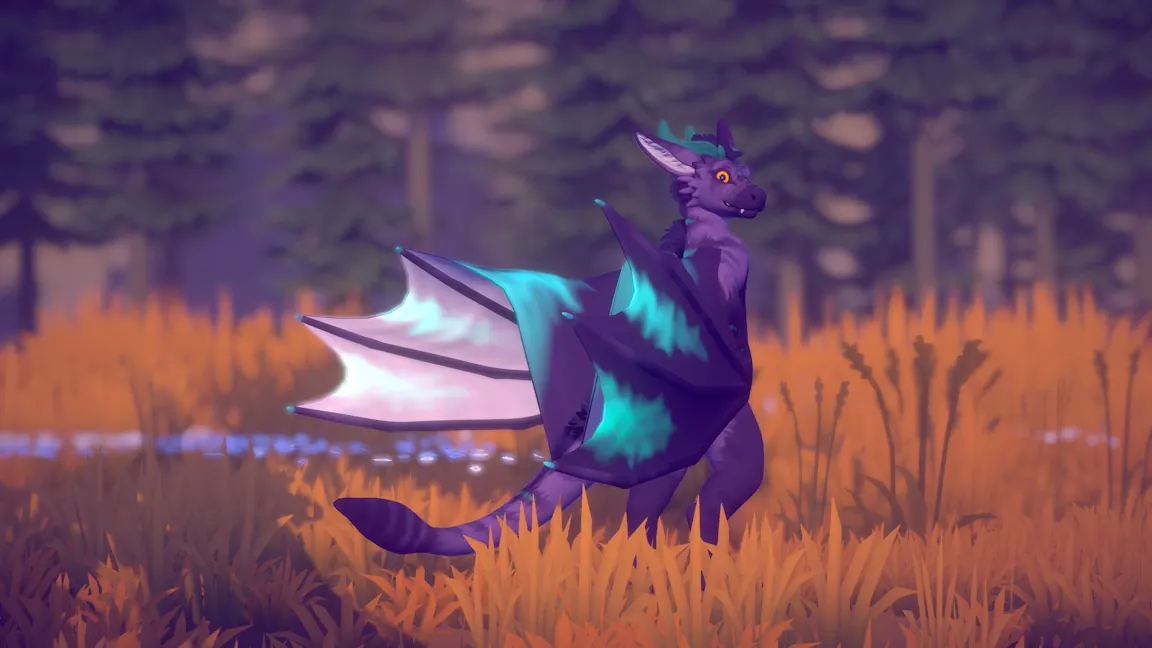
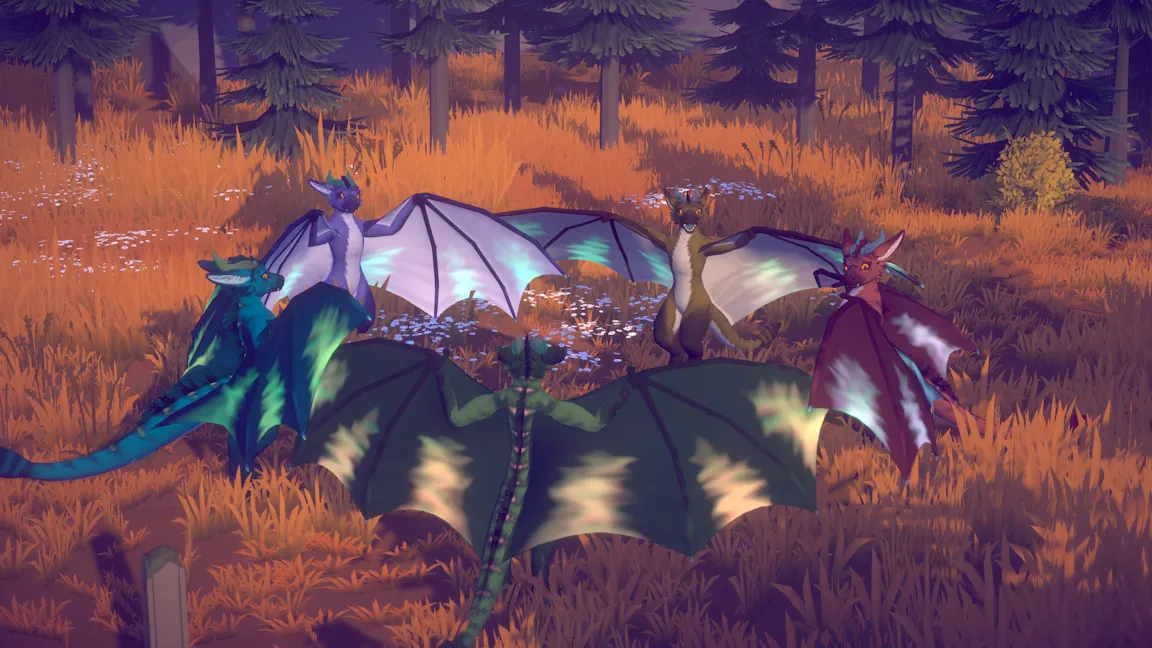
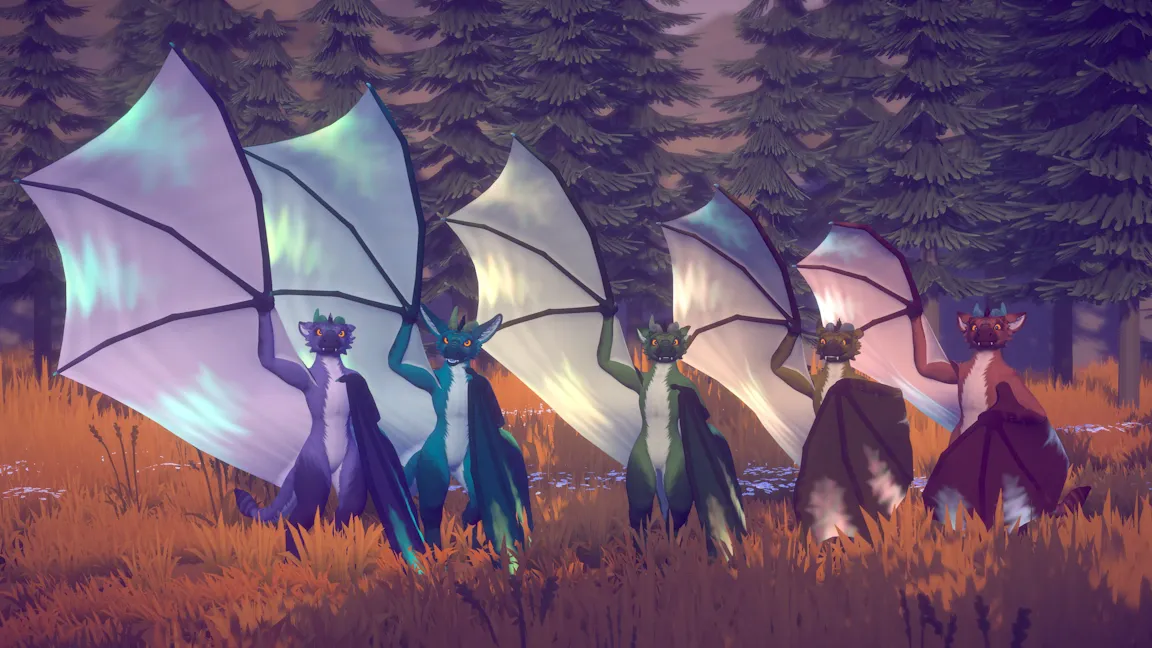
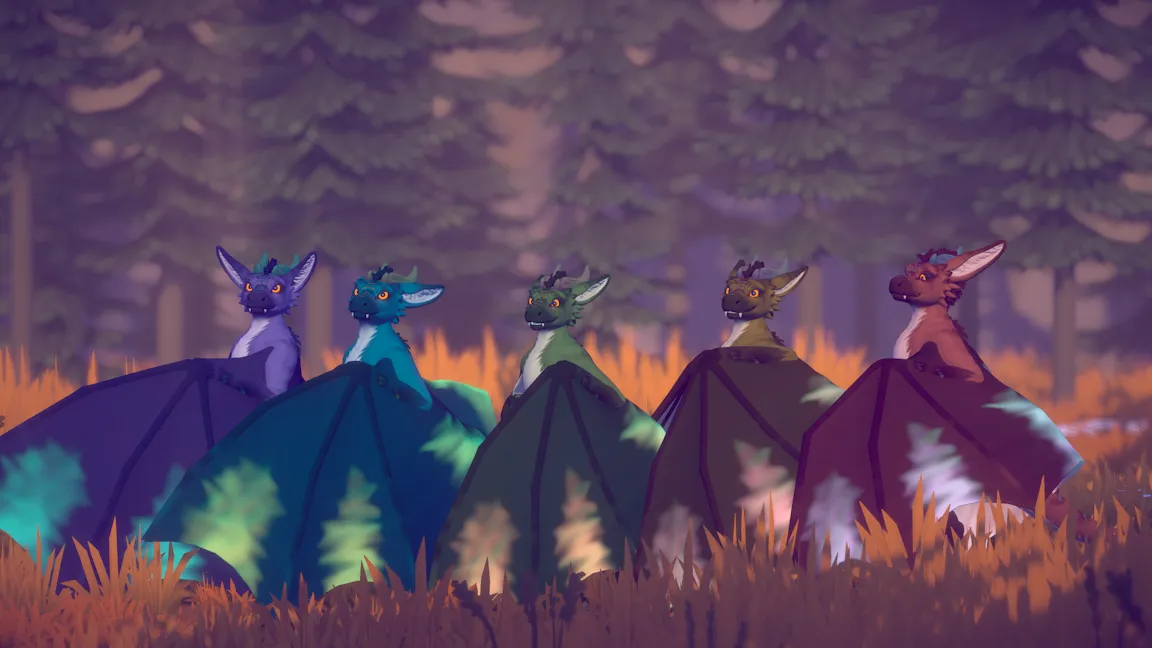
The Mooonvern has a modified mesh that turns the hands into huge wings! They move quite naturally and fold nicely if you rotate your wrists.
Features
-
Huge arm wings with advanced membrane rigging. They feel very natural to use and you gain the ability to give long-distance pets. Oh and you can also fly!
-
Wing finger tracking. You can wrap up people real tight!
-
Wing size slider. Chicken wings for people who have yet to lose their training wheels, or maximum size for extra lift!
-
All base Moonfang toggles and features still work!
-
Supports Royalty's Moonfang Face Tracking.
Prerequisites
-
VRCFury (https://vrcfury.com/)
-
Poiyomi 8.1+ (https://www.poiyomi.com/)
-
Moonfang Avatar (https://scritt.gumroad.com/l/Moonfang)
Installation
-
Install VRCFury
-
Install Poiyomi
-
Import 'Stripe's Moonfang Dragon V1.4.unitypackage'
-
Locate the 'Moonfang Wyvern Variant' prefab in the 'Moonfang Wyvern' directory and drag it into your scene
Royalty's Moonfang Face Tracking support
The package contains a FBX and prefabs for Royalty's Face Tracking.
Download it here: https://royalgryphon.gumroad.com/l/MoonfangFaceTracking
- Follow the installation instructions for the face Tracking
- Once done, click on the top menu 'Tools > Morghus > Moonvern Patcher' and click 'Patch'.
- Then you can go to 'Moonfang Wyvern/Royalty FT' and drag the 'Moonfang Wyvern - Royalty FT Variant' into your scene.
There is only one FBX, but there is a blendshape called "Royalty FT Edit" that gives you the shape of the
"Creature FT Edit" if you prefer that.
Customization
Beyond what's customizable in the "Moonvern" menu, the avatar comes with a few blendshapes to customize the look of the wing claws, or remove them completely.
There's an AudioLink material for the Wings that you can use as a reference. The masks go into the "Color & Mask" slot under the "AL Spectrum" settings.
Editing the FBX (Blender roundtrip)
Use the included '.blend' file! It's much easier than importing the FBX into blender.
There are a few quirks to make this avatar work the way it does. For arm wings to feel natural, the rest pose in the FBX is quite strange, but it helps keep the bounding box small and have the hands aligned correctly with your real hands in VR.
Before exporting the FBX from Blender, you must ensure that the rest pose is preserved before you export. In the '.blend' file, there's an animation called 'Export Pose'. It is applied by default but it can make editing a bit difficult. To restore the original pose for editing, select the 'Armature' object, press A to select every bone, then press ALT+R and ALT+S.
Remember to restore the 'Export Pose' before you export the FBX again.
Export settings
Apply Scalings: FBX All
Armature: [x] Add leaf bones
Unity
If you want to create an additional FBX instead of overwriting the original FBX, make sure to duplicate the FBX in the Unity Project window first. This preserves all muscle settings and bone assignments, all of which are very important for the correct function of the avatar.
The avatar uses prefabs extensively. The 'Moonfang Base Overrides' prefab is a copy of the original Moonfang prefab, except with the FBX swapped out for the Moonvern one. The 'Moonfang Wyvern Variant' prefab then adds the wyvern featuers on top.
The small front wing membrane (the propatagium) needs several constraints to function correctly. There are to extra bones per wing, as well as parent constraints and aim constraints. The parent constraints can not be updated manually. Any updates have to be performed by installing Hai's Skinned Mesh Constraint Builder (https://docs.hai-vr.dev/docs/products/constraint-tools/skinned-mesh-constraint).
The "up" vector on the aim constraints has been carefully chosen, I don't recommend changing it as the aim constraint can experience rapid rotation around the "up" vector if it aligns with the aim direction.
Support
Join my Discord: https://morgh.us/discord and ask for help in the #support channel.
License
You must adhere to the license of the Moonfang Avatar: https://scritt.gumroad.com/l/Moonfang
On top of that, you may not:
- Pass it off as your own work
- Resell it as-is
Acknowledgements
Moonfang Avatar by Stripe (https://scritt.gumroad.com/l/Moonfang)
Membrane rigging with aim constraints inspired by DragonSkyRunner's Maximus Draconis (https://dragonskyrunner.gumroad.com/l/MaximusDraconis)
Hai's Skinned Mesh Constraint Builder for pinning the propatagium bones to the body mesh (https://docs.hai-vr.dev/docs/products/constraint-tools/skinned-mesh-constraint)
Credits
Made with love by Morghus