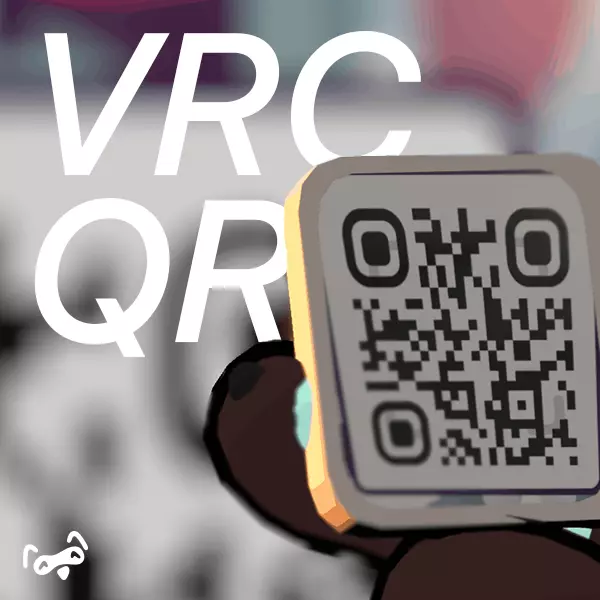
Hey there! Wanna scan QR codes inside VRChat like magic?
Imagine looking at a QR code in VRChat, giving it a squeeze (literally), and having it saved instantly! Plus, you can tweak the settings to make it work just right with your setup. VRCQR is here to make your life in VR a whole lot easier (and cooler)!
What Can VRCQR Do For You?
- Scan QR Codes in Real Time: Just look at the screen, and boom—QR codes detected instantly.
- Save QR Codes Effortlessly: Wanna save a QR code? Just give it a squeeze and it’s done!
- Tweak It Your Way: Pick your GPU and display, or let the module do it for you. It’s flexible!
- Plug-and-Play with VRCOSC: Works straight out of the box with VRCOSC. No headaches!
- Made Easier with VRCFury: Use VRCFury to install and set it up without breaking a sweat.
Prerequisites
This assetneeds 1 free memory slots to work in your avatar. This isn't a lot, but it's always better to check.
To install it easily, you'll need VRCFury. Open this link and follow the setup instructions:
[
VRCFury Download
Important: Make sure your VRChat SDK is updated! VRCFury requires the latest VRChat SDK to function.
You also are gonna need VRCOSC, with my modules installed:
[
VRCOSC
](https://github.com/VolcanicArts/VRCOSC/releases/download/2024.220.1/VRCOSCSetup.exe)
Poyiomi is also needed. So if you haven't yet, go get it!
[
Poiyomi
Known Quirks (We’re Working on Them!)
- Low-Res QR Codes? Yeah, those can be tricky. Make sure they’re big and clear.
- Can’t Find VRChat? If the module doesn’t detect it automatically, just hop into settings and pick your GPU/display.
What’s Coming Next?
- Better low-resolution QR code detection.
- More integrations with cool tools and services.
- More customization options for saved QR codes.
- And much more…stay tuned!