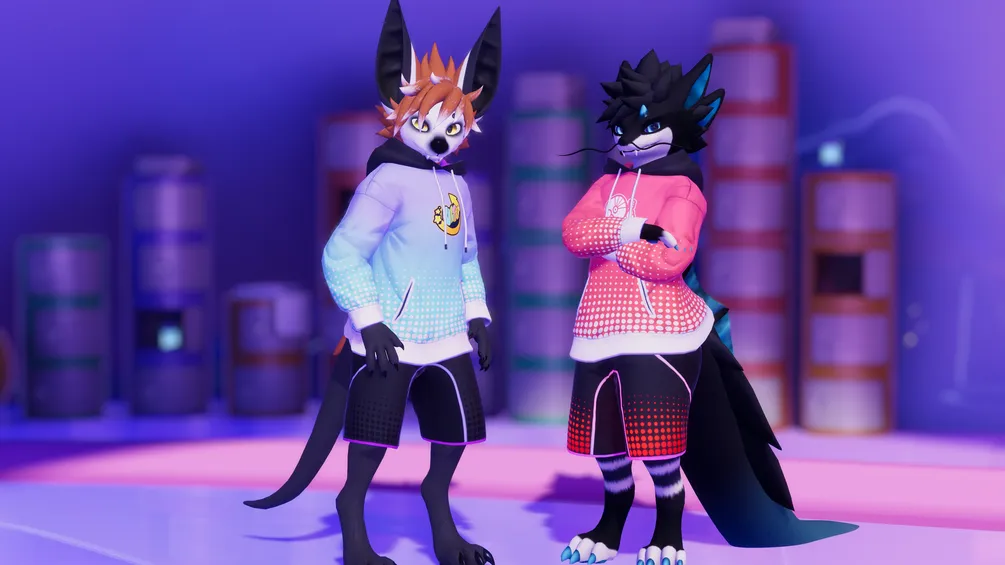
Matching shorts available here!
Prerequisites
Compatible with any hoodie from https://morghus.gumroad.com/. Download the hoodie for your particular avatar base first and install it.
Install Poiyomi 9.3.64 or higher: https://www.poiyomi.com/
Features
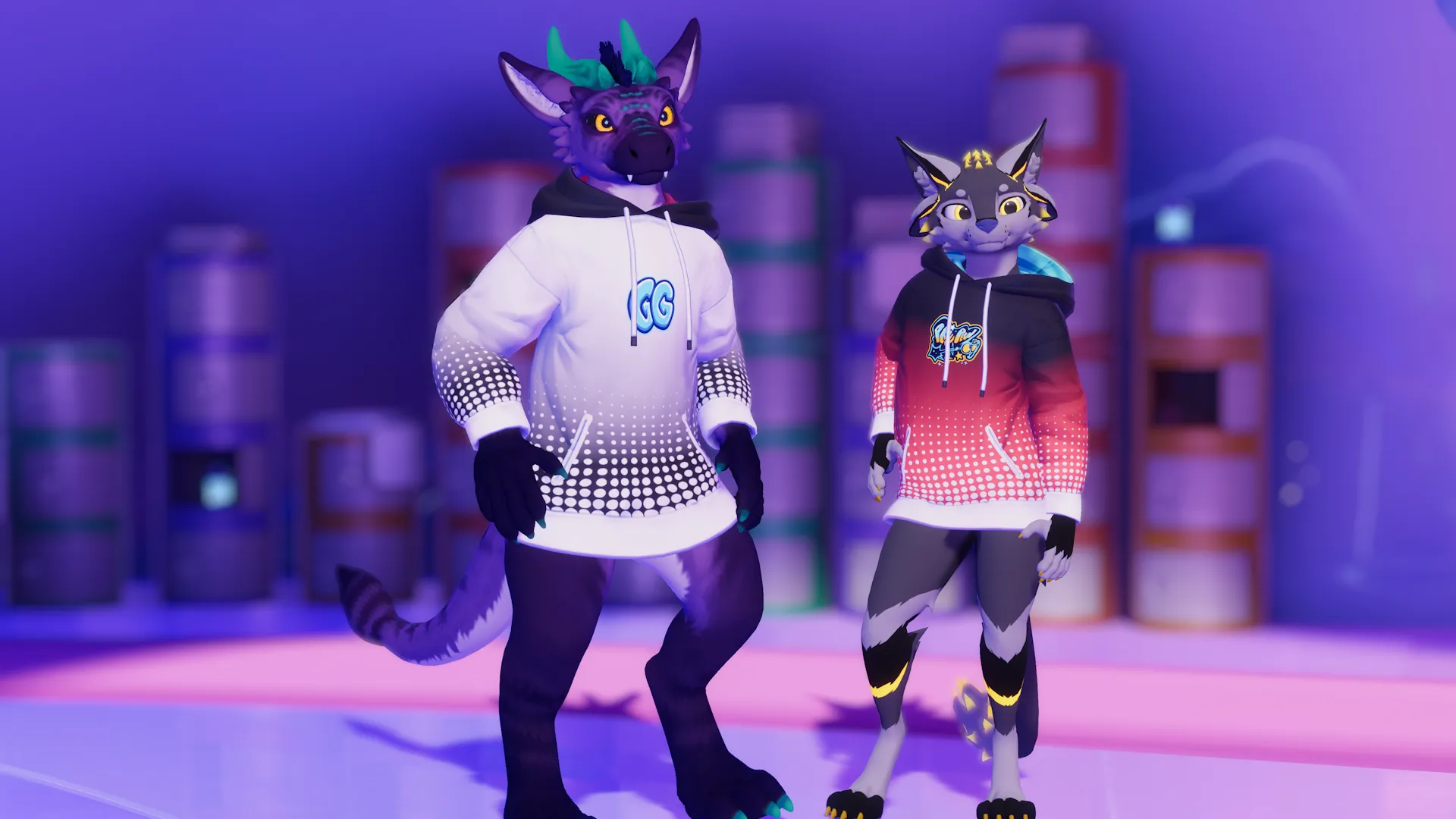
- Fully color customizable in-game. Three color regions and customizable emissions.
- Select any of the Furality Ultra sprays as a chest decal.
- AudioLink strength slider.
- Emission strength slider.
- Randomize button. Colors will randomize once automatically when first switching to the design.
Installation
- Drag the "Furality Ultra" prefab onto the "Hoodie" object in your avatar.
If the hoodie has a "Designs" child object, drag it in there, but it's optional. - You're done. The "Furality Ultra" option should show up in the expression menu now.
It's under "Hoodie/Designs/Furality Ultra".
Troubleshooting
-
VRCFury says I'm out of parameters!
Update VRCFury to the latest version. Latest versions do a better job at compressing parameters.
-
Randomize colors does not work!
Unfortunately a known bug. Switch out of the avatar and into it again.
License
Do:
- Add it to your avatar
- Adjust it to fit any other avatar
- Use it for VTubing
- Customize it however you want
- Use it for commissioned work
Don't:
- Pass it off as your own work
- Resell it as-is
Credits
Decals are based on the Furality Ultra Creator Kit.
Click to expand description
No comments yet
No reviews yet
No mentions yet